Do you find it hard to keep up with sending emails to your customers? Doing it by hand takes a lot of time. It is easy to make mistakes. Personalized emails often get missed. This can make your audience lose interest.
This is where email marketing automation helps. It sends the right email to the right person at the right time. You do not have to send every email manually. Businesses that use automated emails see more people opening and clicking their messages.
Some studies show that automated emails can make more than three times the revenue of regular emails. People are more likely to read emails that match their interests. And with over 4.5 billion email users by 2025, your audience can be huge.
In short, email marketing automation saves time and helps you grow your business. In this guide, we will show you how to plan your emails, choose the right tools, set up workflows, and improve your campaigns. By the end, you will know how to send emails that work and get results.
What Is Email Marketing Automation?
Email marketing automation is a way to send emails automatically. You do not have to send each email by hand. The system sends the right message to the right person at the right time. This saves time and makes your emails more personal.
Manual campaigns are different. In manual campaigns, you create and send every email yourself. It takes a lot of time, and it is easy to make mistakes. Automated email campaigns work on their own once you set them up. They send messages based on what people do or like. This keeps your emails relevant and timely.
Core Components of Automation
To make automation work, you need to know the main parts. These parts help your emails reach the right people and get results.
Audience Segmentation
This means grouping your subscribers. You can group them by what they do, what they like, or where they are in their journey with you. Grouping helps make emails more relevant.
Triggers and Actions
Triggers are events that start an email. It can be a new sign-up, a purchase, or a period of inactivity. Actions are the emails that go out after a trigger happens. This makes your messages timely and useful.
Automated Messages
These can be single emails or a series of emails. Examples are welcome emails, reminders for abandoned carts, or messages to re-engage people who stopped opening emails. Good automated emails keep your audience interested.
Monitoring and Review
Automation is not “set it and forget it.” You need to check your results. Look at opens, clicks, and sales. Use this information to make your emails better over time.
Automated campaigns save time, reach more people, and keep your emails personal and effective.
Why Email Marketing Automation Matters
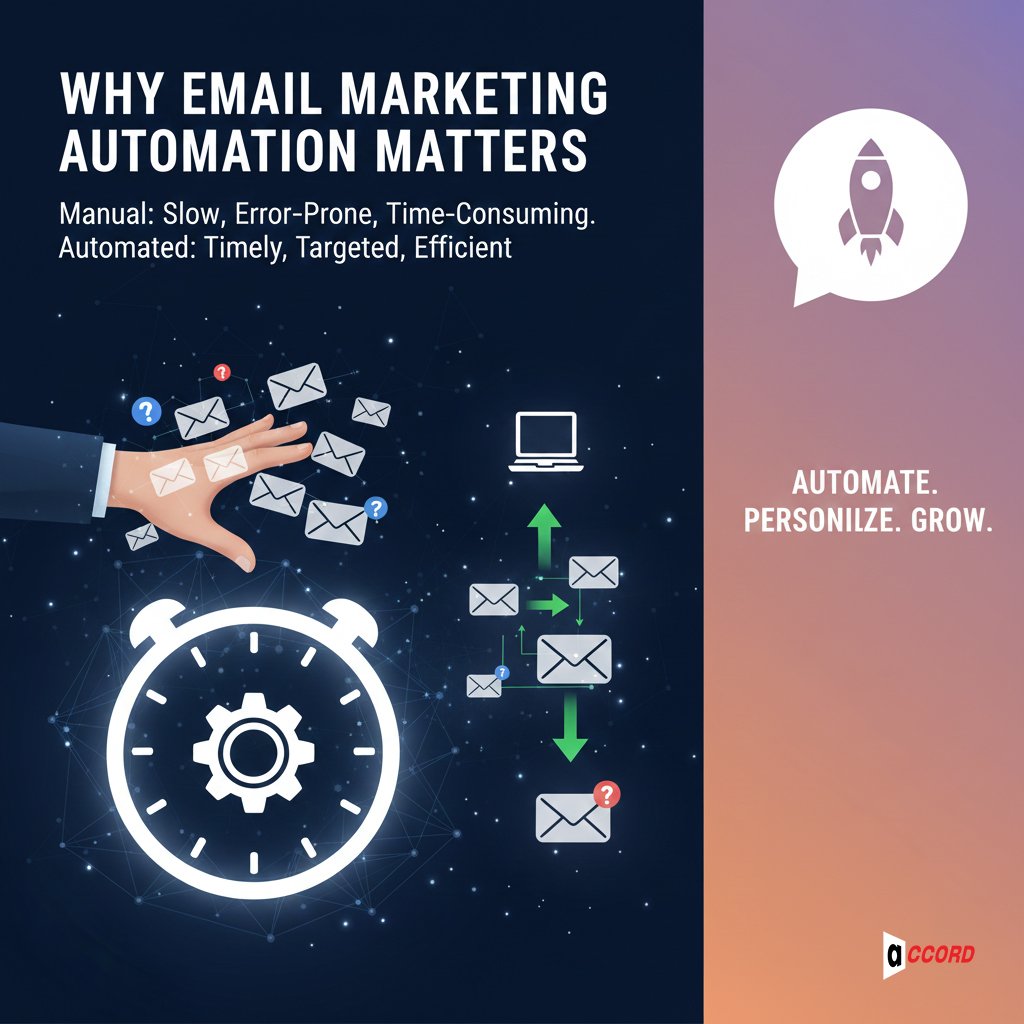
Sending emails manually takes a lot of time. You need to write, send, and track every message. This can be slow and easy to mess up. Email marketing automation fixes this problem. It sends emails automatically, at the right time, to the right people.
When businesses use automated emails, the results are clear. This strategy helps you to gain 320% more profit than manual email sending. More people open the emails, click the links, and take action because the messages are relevant.
Benefits for Businesses
Automation helps in many ways. These are the main benefits and what you can expect.
Save Time and Resources
Email automation manages scheduled emails, such as welcome emails, follow-up emails, and cart abandonment. Businesses save more than 50% time than before. This frees teams to do other important work.
Deliver Personalized Content at Scale
Automated emails can match what each person does or likes. It helps to increase email open rates up to 70%. Also, click-through rates go up by 152% with personalized emails. People read emails more when they feel relevant.
Nurture Leads and Keep Customers
Automation helps you stay in touch without doing extra work. Abandoned cart emails recover 15–20% of lost sales, and welcome email sequences increase engagement by up to 50%. Regular emails keep customers coming back.
Get Useful Insights from Analytics
Automation tools show how emails perform. Companies using this data improve conversion rates by up to 30%. They can focus on the title, subject, and time. This can help streamline your marketing strategy and boost the effectiveness of your email marketing efforts.
In short, email saves time, builds customer relationships, and increases revenue. It’s an easy way to grow your business quickly and efficiently.
Common Email Automation Workflows
Email automation workflows make sending emails easier, not harder. A workflow is a set of emails that are sent automatically when someone takes an action.
Every workflow has its role. Some welcome new subscribers, some recover lost sales, and some nurture leads. Using perfect email marketing will save you time, keep your audience engaged, and help you grow your business.
Welcome Email / Content Creation
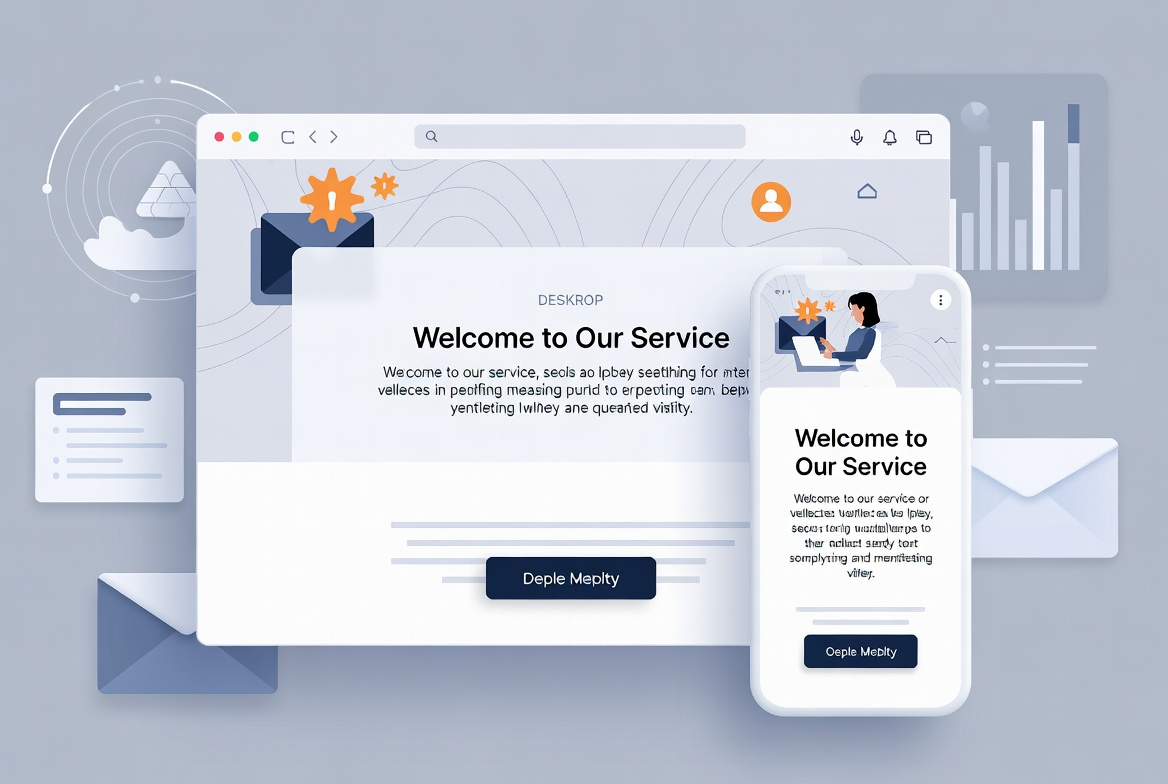
Start by welcoming new customers. Send a welcome email after someone registers. Introduce your service or product and explain what they can expect. Send an email to promote your product or service.
Organizations that use responsive emails see a 50% increase in conversion rates. It builds trust and speeds things up.
Abandoned Cart / Customer Reminder Email
Don’t let customers forget what’s in their cart. Send reminders within a few hours of the leave.
Include brand names and some discounts, like 20% off or free shipping. These automated email campaigns can recover 15–20% of lost sales, turning forgotten carts into revenue.
Re-engagement / Win-back Campaigns
Some subscribers stop opening emails. Send them messages to get them back. Send updates, tips, or a little encouragement. Have a pleasant and friendly voice.
Re-engagement campaigns can increase efficiency by 30-40% and keep your bottom line better.
Transactional Emails
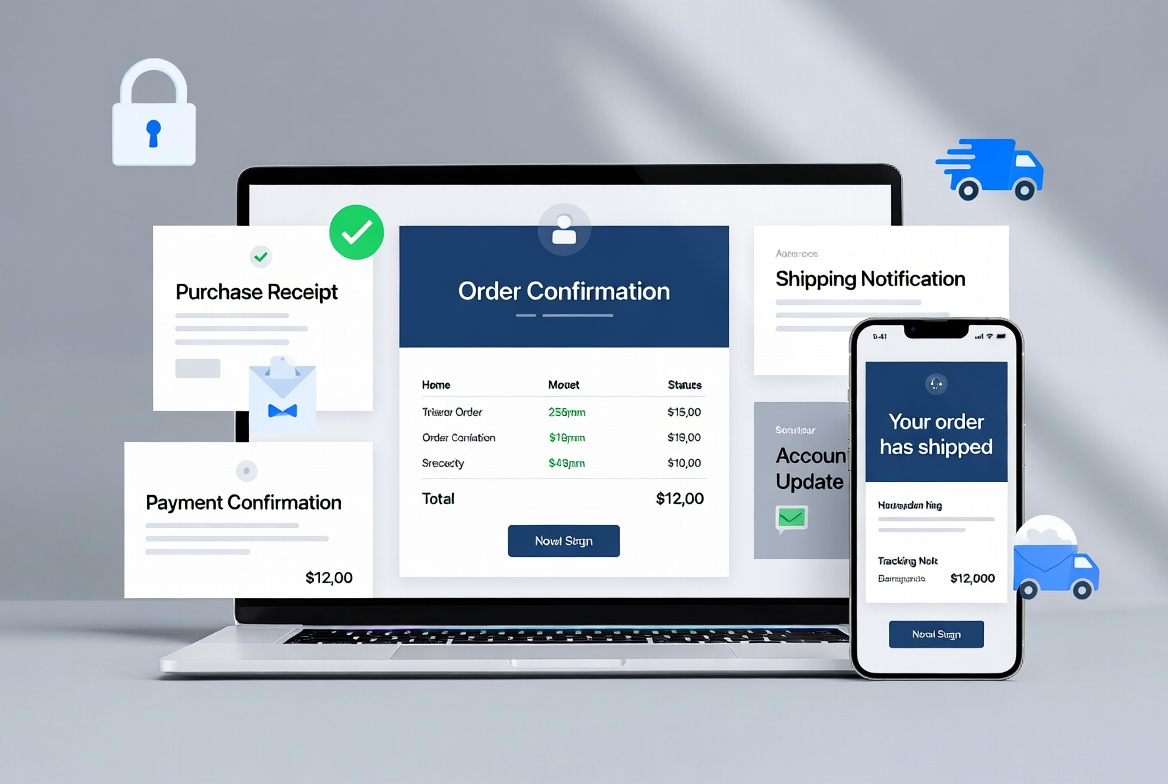
Transactional emails confirm actions like purchases, payments, or sign-ups. They include receipts, shipping notices, and account updates. You can also add tips or product suggestions. These emails usually get 3–5 times higher open rates than regular emails.
Drip or Nurture Campaigns
Drip campaigns send a series of emails over time. Use them to teach, guide, or move leads toward a purchase. Send 3–7 emails in a sequence. Share tips, advice, or helpful resources. Drip campaigns can boost long-term conversions by 20–30% while keeping subscribers engaged.
Behavior-triggered Emails
Send emails based on what people do. This can be clicks, downloads, purchases, or page visits. For example, follow up after someone downloads a guide.
Behavior-triggered automated email campaigns can get up to 3x higher open and click rates than normal emails. They are very effective because the emails are relevant and timely.
Using these email automation workflows helps you save time, reach the right people, and grow your business.
How to Plan Your Marketing Automation Strategy
A marketing automation strategy helps your emails work better. It saves time, reaches the right people, and grows your business. Follow these simple steps to make a plan that works.
Planning Your Marketing Automation Strategy
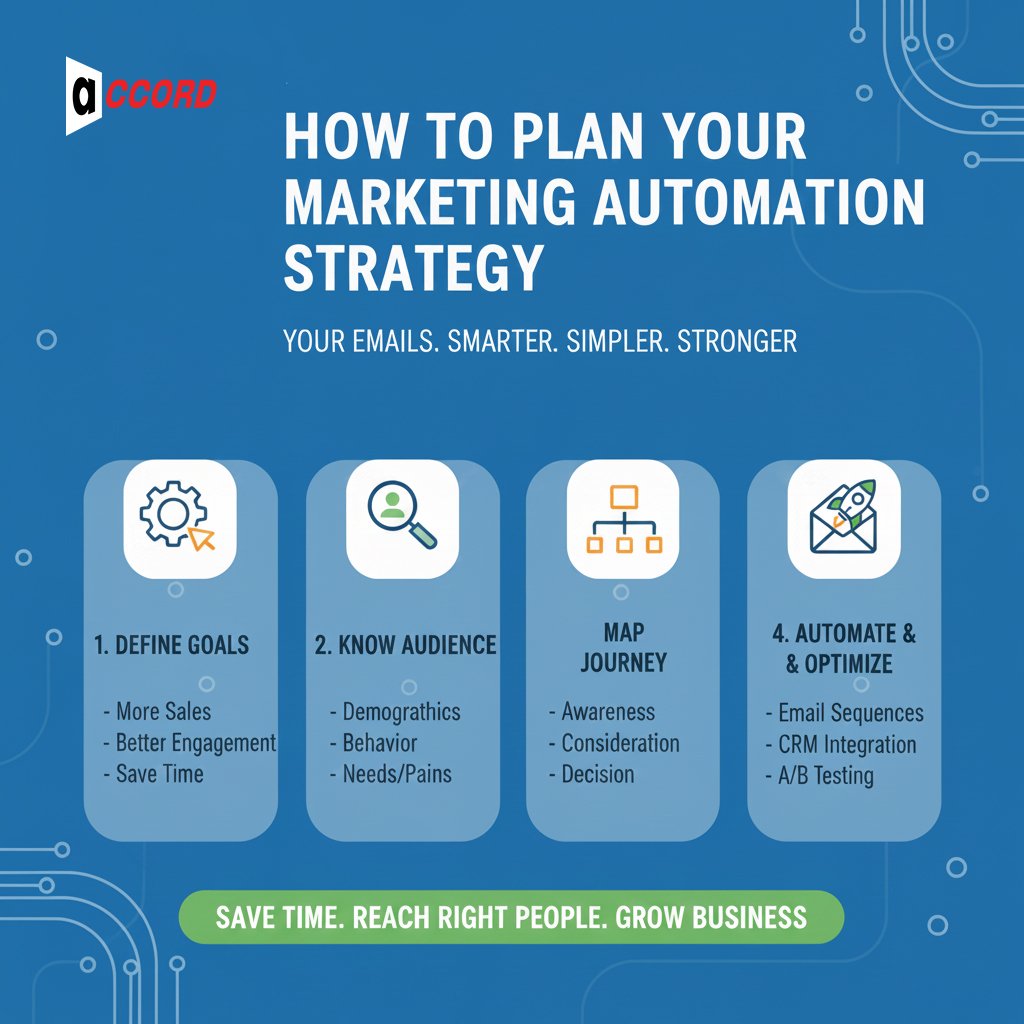
Define Goals
↓
Understand Audience
↓
Map Customer Journeys
↓
Prioritize Workflows
Define Clear Goals
Start by deciding what you want to achieve. Your goals can be:
-
Get more people to open and read your emails
-
Keep your customers coming back
-
Get more leads for your business
-
Increase sales and revenue
Having clear goals makes it easier to choose the right email sequences. Write it down so you can follow along.
Know your audience
Find out who will receive your email. Engage your audience by:
-
Activities (pages they visit, products they buy)
-
Interests (what are their interests)
-
Demographics (age, location)
-
Stages in their journey (new customers, active customers, inactive customers)
Knowing what they need will help you make your emails more relevant and helpful.
Map Customer Journeys
Consider how your customers move through your business. Find out where an email marketing strategy can make a big difference. Draft:
-
Find new members.
-
Send more info after purchase.
-
Continue to engage with people who have stopped opening emails.
Outbound templates help ensure that the right emails are sent at the right time.
Put the conversation first.
Start simple, but for the best results:
-
Welcome emails and onboarding series
-
Abandoned cart or purchase reminders
-
Post-purchase follow-up
If it works well, you can add more advanced tools.
Choose the right tool for Email Marketing Automation
Good marketing tools are essential. The right tool can save you time and help you improve your email list. Your email performance will improve. Here are some simple tips to help you choose the right tool for your business.
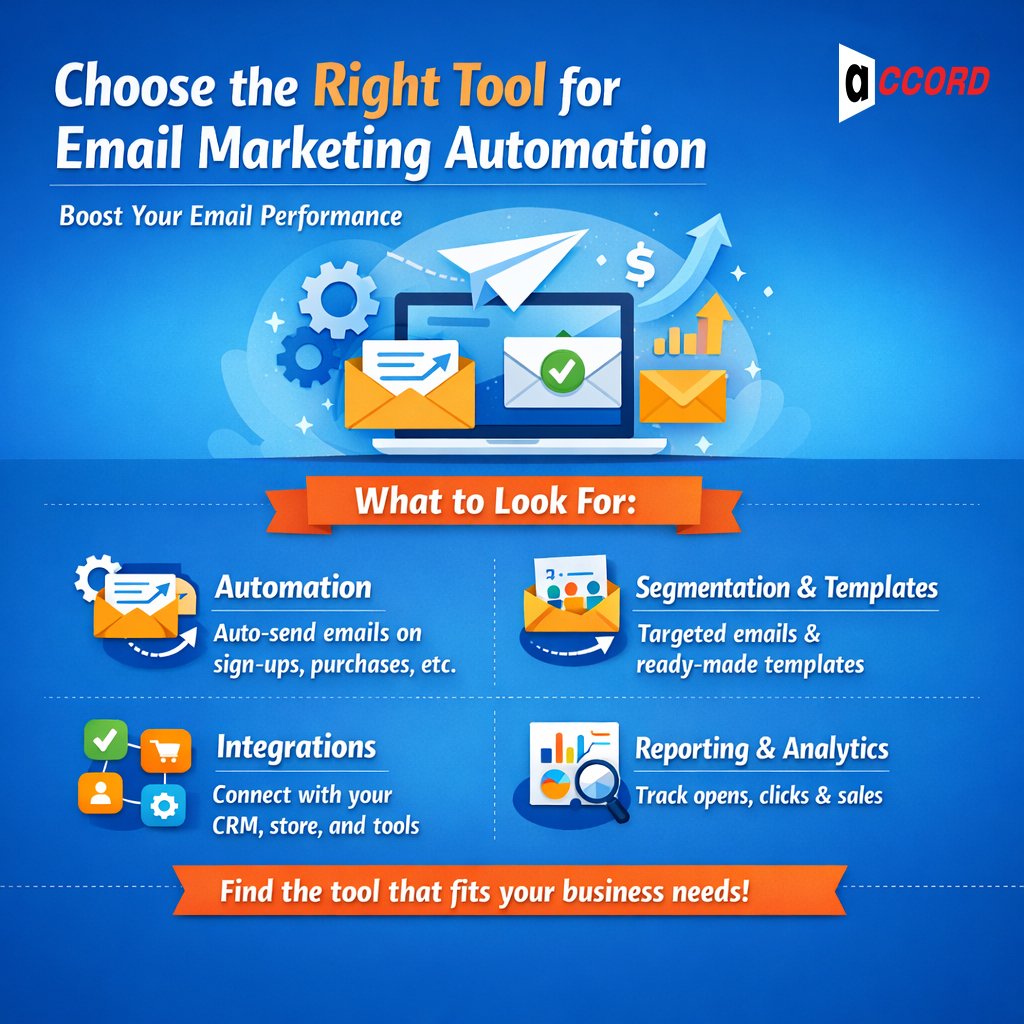
Important thing to look for
Consider the following before choosing a tool:
-
Automation: Can an email be automatically sent when someone signs up, makes a purchase, or doesn’t?
-
Segmentation and templates: Can you communicate with your audience and use pre-built email templates?
-
Integration with other apps: Can it connect with your CRM, online store, or analytics tools?
-
Reporting and analytics: Can you track opens, clicks, and sales to see what works?
Tools with these features make your automated email campaigns simple and effective.
Popular Tools and Services
Here’s a comparison of some popular marketing automation tools:
|
Tool / Service |
Price |
Key Features |
Best For |
|
Mailchimp |
Free (small list), Paid from $13–20/month |
Easy editor, templates, basic automation, integrations, reporting |
Beginners, small businesses |
|
HubSpot |
Free/basic, Paid higher tiers |
CRM, advanced automation, multi-channel marketing, analytics |
Growing businesses need sales + marketing together |
|
GetResponse |
Paid from $19/month |
Automation workflows, landing pages, funnels, webinars |
Businesses needing email + funnels + lead capture |
|
Klaviyo |
Paid from $20/month |
Advanced segmentation, e-commerce triggers, and dynamic content |
E-commerce stores need behavior-based emails |
|
Hostinger Reach |
Paid from $5.99/month |
Simple setup, templates, basic automation |
Small businesses or beginners on a budget |
Prices may vary depending on the list size and the location of the audience. Be sure to check the official website.
How to Create an Automated Email Campaign
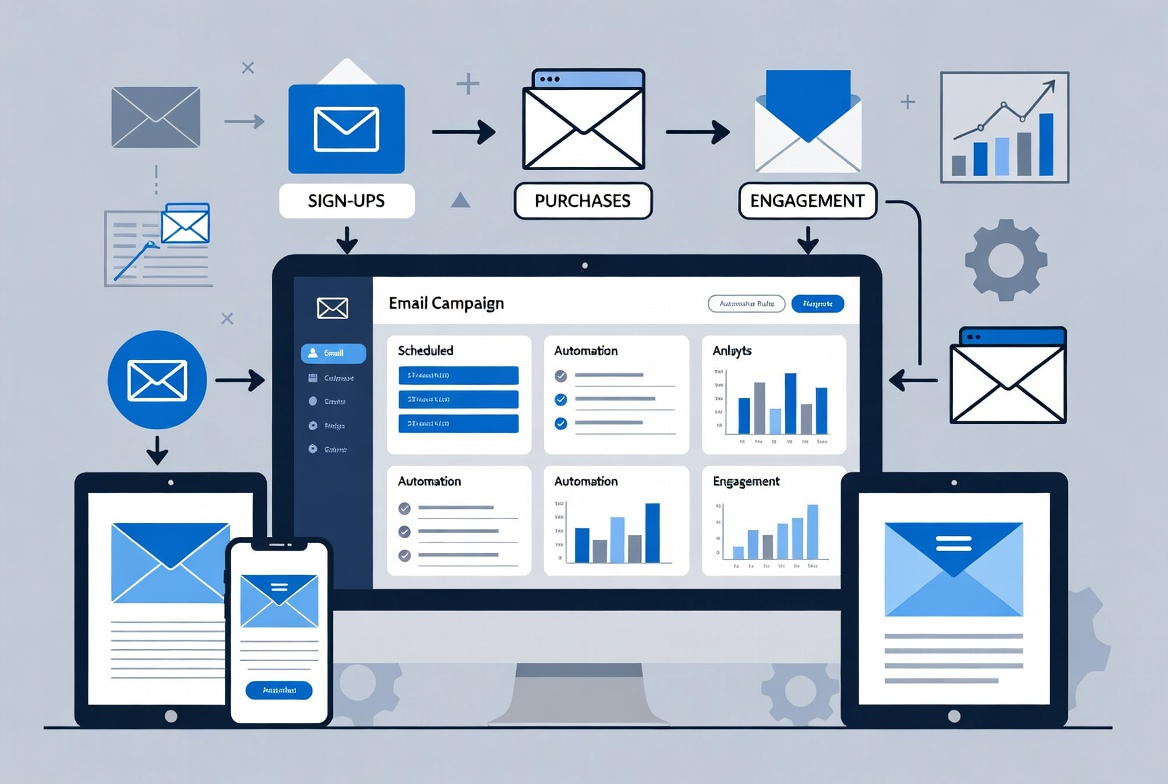
Setting up your first email is easy. With a clear plan, you can send emails to the right people at the right time. Follow these steps to get started with your email marketing.
1. Create and Segment Your Email List
Collect from registration forms, purchase orders, or purchase sources. Then, group them by personality, interest, or stage of their journey.
For example, new subscribers, loyal customers, or inactive users. Segmenting makes your automated email campaigns more personal and relevant.
Even simple groups can increase engagement by 20–30%.
2. Create Templates That Work
Design emails that are easy to read and look good on mobile. Keep your colors, fonts, and style consistent.
Keep your content short and focused on specific goals. Save time with a template and keep your emails clean.
Tip: Experiment with titles and pages to find what they like.
3. Develop legal policies and procedures.
Decide what you’re going to do to send the email. The program includes:
Write for the newspaper.
-
Making a purchase
-
Leaving items in a cart
-
Being inactive for a while
Create your own email campaigns, such as welcomes, journey tutorials, or follow-up emails. This will make your emails more effective and efficient.
Start with 3-5 emails in a sequence so you don’t get overwhelmed.
4. Plan, monitor, and review.
Send your campaign live and see how it works. Approach:
-
Open Standards
-
Click-through rates
-
Conversions
-
Subscriber engagement
This shows what is going on and what needs to be fixed.
Tip: Focus on results that align with your goals, such as sales or engagements.
5. Growth and expansion.
Use this knowledge to make improvements. Like:
-
Email text and design
-
Timing and frequency
-
Triggers and sequences
Apply different themes, images, or styles. A few simple changes will improve the efficiency of your email campaigns. Review your work regularly and change one thing at a time.
Good practices and common mistakes
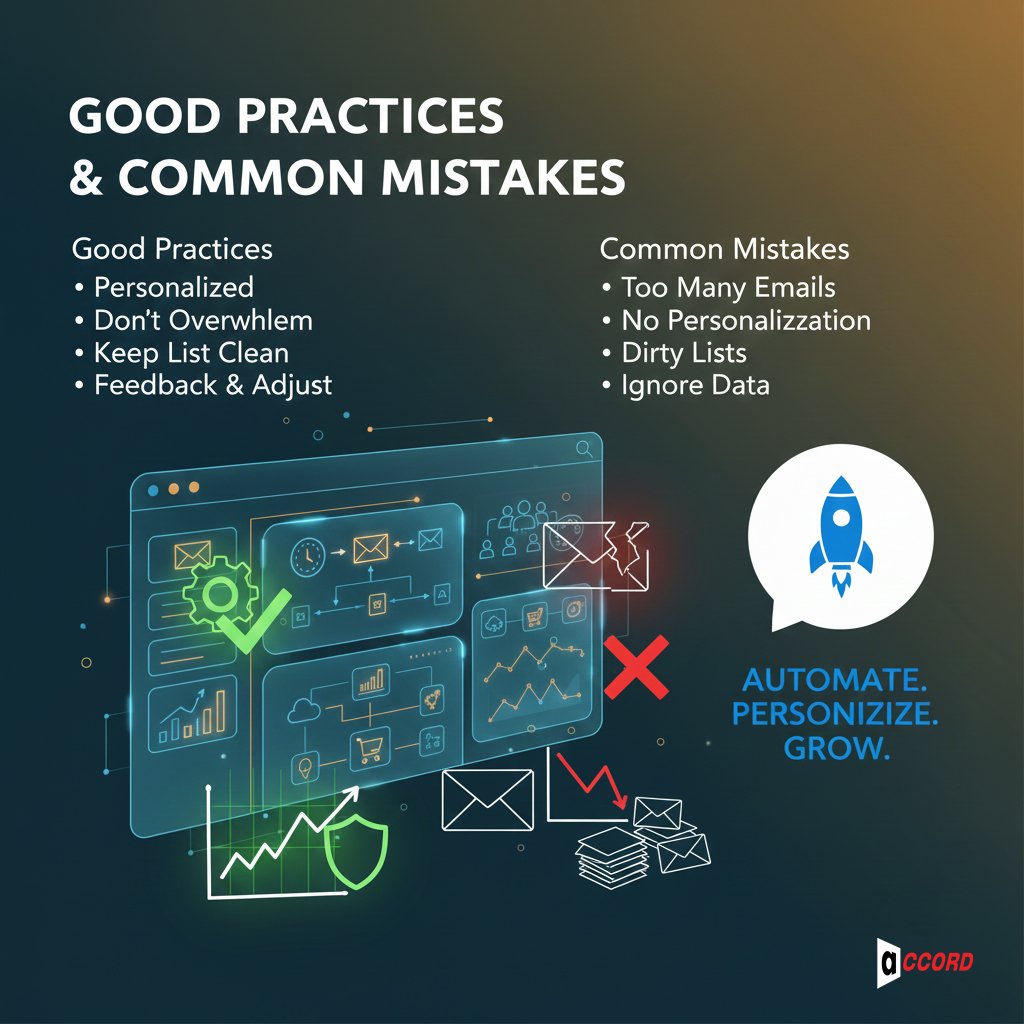
Using email automation can save you time and increase your bottom line. But by following the right habits, you can minimize the negative effects. This is the easiest way.
-
Personalized: Make your email personal. Keep in touch with current, prospective, or former customers. Don’t overdo it. Too much personalization can be pushy. Think about something personal, like their recent actions or favorite products.
-
Don’t be Overwhelmed: Sending too many emails can be overwhelming. Slow down a few times and keep your timing the same. Make every email useful and valuable. 1–3 emails per week usually works best. Watch how your audience reacts and adjust.
-
Keep your list clean: Remove suspicious emails and check for trends. Clean lists increase open and click rates. Send another email before removing someone from your list.
-
Feedback and adjustments: Track the results of your project. View, Click, Reply, and Open Conversations. Use this information to optimize your emails. Focus on monthly and A/B testing for the best results. Small changes can lead to big results.
Improve Your Email Marketing with Accord Tech Solutions
Accord Tech Solutions is a reliable company in the digital marketing industry. We have 10 years of experience helping businesses grow. Our team works with companies around the world. We know the latest marketing automation trends and use them to make campaigns smarter.
One of our clients, a small online store, was struggling with low engagement and abandoned carts. When we implemented email marketing, we saw a 35% recovery in lost sales. The result was a 28% increase in email engagement and a 22% increase in sales within three months.
We create an email marketing strategy that reaches the right people at the right time. Our global experience helps us create a plan that works for everyone. Whether you want to generate leads, retain customers, or increase sales, we make email marketing easy and effective.
Start with a basic workflow, like a welcome series or cart reminder. We can help scale it step by step for better results.
Conclusion
To reach your potential leads, Email marketing automation is the best process. It provides you with real results. Automated email campaigns let you send personal messages without doing everything manually.
Start small. Test something, like a welcome email or cart alert. Find out what works and change as needed. Send an email with frequent consistency. Small steps lead to big success over time.
If you want better results faster, Accord Tech Solutions can help. We create smart, simple, and effective email campaigns. Our team builds email automation workflows that get real results.
Take the next step today with Accord Tech Solutions and make your email campaigns work smarter and better.