
Even the most beautiful email can fail to reach your audience. It's not because your content is bad. It's often because of email authentication problems. For email marketers, small business owners, and campaign managers, this is a real headache. You spend hours crafting the perfect message, but spam filters or phishing warnings might block it.
This is where DMARC comes into play. DMARC stands for Domain-based Message Authentication, Reporting, and Conformance. This is an email protocol that tells receiving mail servers, "This email is really from me. Trust it." It helps your emails land in the inbox, rather than the spam folder.
Without DMARC, legitimate emails are more likely to be flagged as spam. Worse, fraudsters could use your domain to send fake emails — damaging your reputation and undermining your entire marketing effort.
In this article, you will learn how to secure your email with DMARC, how to set it up correctly, and how to use it to increase engagement, build audience trust, and strengthen customer relationships.
Finally, you'll learn how to integrate DMARC into your email strategy and make your campaigns more secure and effective in 2026.
📖 Related: B2B Email Deliverability Checklist: What Improves Inbox Placement in 2026 | What are the Best Email Marketing Practices for 2026?
Understanding DMARC — The Key to Trusted Email Marketing

If you want your emails to reach your audience and build trust, DMARC is essential. Marketers who use email marketing services need to understand DMARC to make sure their campaigns land in inboxes, not spam folders.
What is DMARC and How It Works
DMARC stands for Domain-based Message Authentication, Reporting, and Conformance. It is a protocol that protects your domain from scammers. Simply put, it tells email providers, "This email really comes from me."
DMARC works with two other email authentication checks:
SPF (Sender Policy Framework): SPF is like a guest list for your domain. It specifies which mail servers are authorized to send emails on your behalf. Emails from unauthorized servers fail SPF checks.
DKIM (DomainKeys Identified Mail): DKIM adds a unique cryptographic signature to your email. This signature verifies that the email has not been tampered with in transit and genuinely originates from your server.
How to Configure DMARC
DMARC builds on top of SPF and DKIM. While SPF and DKIM verify the sender, DMARC tells email providers what to do if an email fails those checks — deliver it, quarantine it, or reject it outright. This prevents scammers from using your domain and protects your subscribers.
Think of DMARC as your domain's trust certificate. It says, "Yes, this email is genuinely from us."
Simple Email Authentication Flow
Here's how DMARC works with SPF and DKIM:
Sender Domain ──► SPF Check ──► Pass / Fail
                        \
                         ──► DKIM Check ──► Pass / Fail
                                    \
                                     ──► DMARC Policy ──► Deliver / Quarantine / Reject
This system makes sure only real emails reach your audience. It helps your campaigns get delivered and protects your brand from fraud.
The Core Parts of DMARC Policy Setup
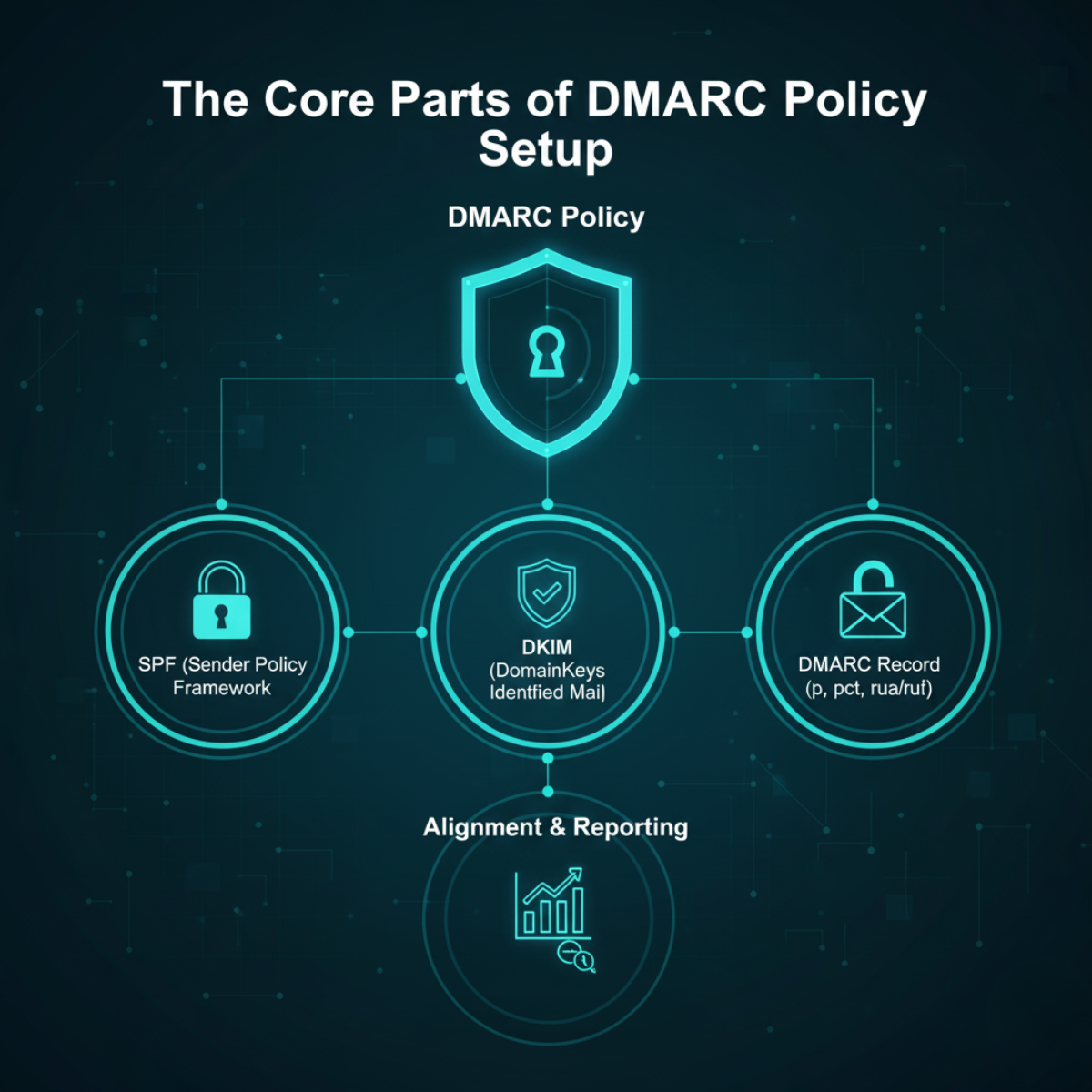
A DMARC record helps protect your domain and ensures your emails reach the inbox. A typical record looks like this:
v=DMARC1; p=none; rua=mailto:[email protected]; sp=none; aspf=r; adkim=r
Here's what each part means:
v=DMARC1→ DMARC versionp=none→ What to do if an email fails: none, quarantine, or rejectrua=mailto:[email protected]→ Where aggregate reports are sentsp=none→ Policy for subdomainsaspf=r→ SPF alignment mode (r = relaxed, s = strict)adkim=r→ DKIM alignment mode
Understanding Alignment
SPF Alignment: The sending server must match the "From" domain.
DKIM Alignment: The DKIM signature domain must match the "From" domain.
If alignment is wrong, even legitimate emails can fail DMARC — directly hurting your email deliverability.
DMARC Policies at a Glance
| Policy | What It Does | Best For |
|---|---|---|
p=none |
Monitor only — no emails blocked | Initial setup & testing |
p=quarantine |
Suspicious emails go to spam/junk | Intermediate enforcement |
p=reject |
Fake emails blocked completely | Full protection |
A correct DMARC setup and proper alignment keep your emails safe, protect your brand, and earn subscriber trust.
Why DMARC is Important in Your Email Security
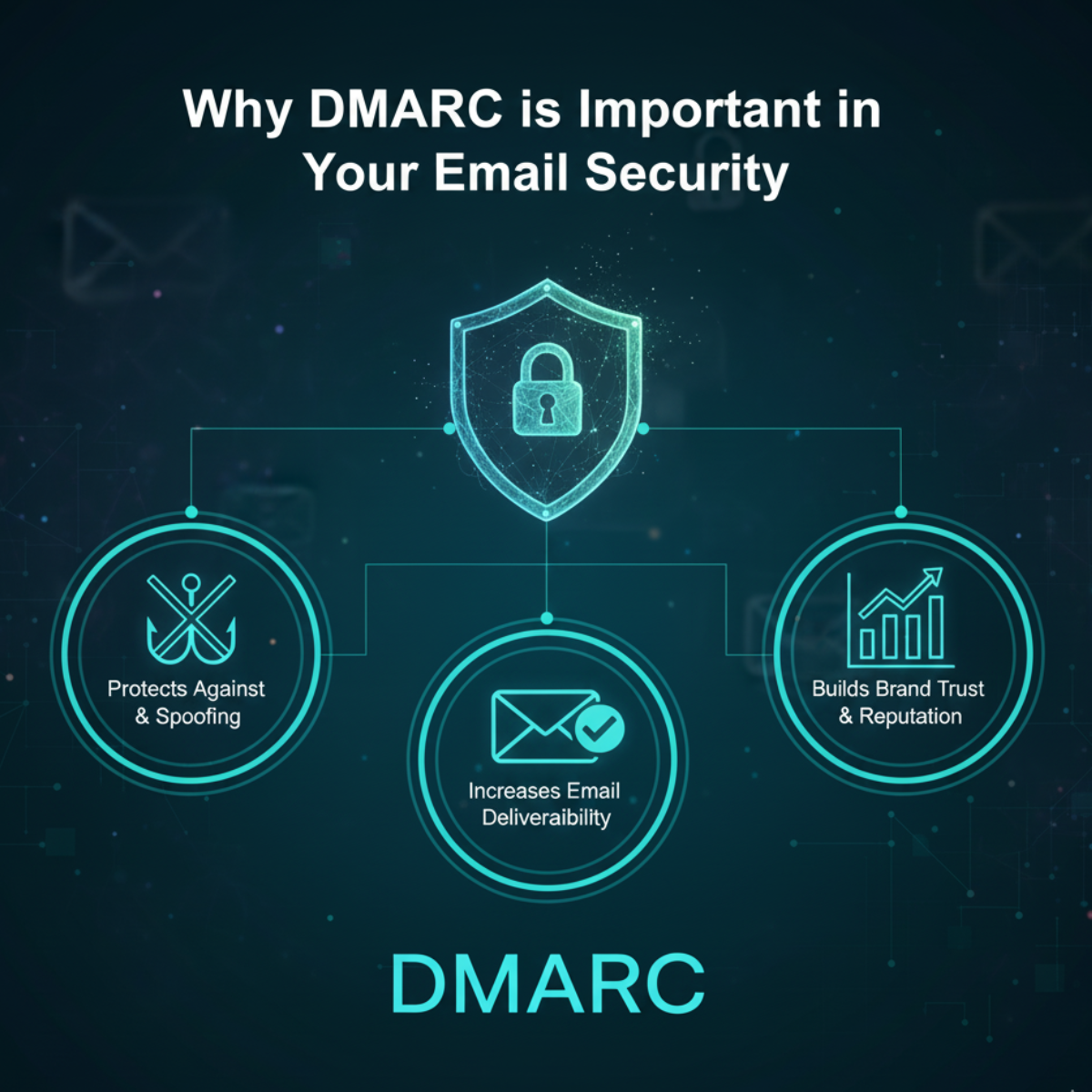
Protect your brand and customers from scams
How Cybercriminals Impersonate Legitimate Senders
Cybercriminals often pretend to be trustworthy brands. They do this by:
Spoofing the "From:" address to look like it comes from your domain
Using lookalike domains (e.g., your-brand.co) or deceptive subdomains
Sending phishing emails, malware, or fraudulent solicitations to steal data or money
These attacks damage your brand's reputation and reduce email deliverability for your legitimate campaigns.
How DMARC Protects Subscribers
DMARC adds an extra layer of protection on top of SPF and DKIM. It ensures:
Mail servers verify the sender and match it against your domain
Emails that fail checks can be monitored, quarantined, or blocked entirely
Reports surface misconfigurations and identify unauthorized senders
⚠️ Over 90% of major email domains can be spoofed without DMARC in place.
With DMARC enforced, fake emails using your brand are blocked before they ever reach your subscribers' inboxes.
Improve Deliverability and Open Rates
How DMARC Helps Your Emails Reach the Inbox
When you use DMARC correctly, email providers like Google, Microsoft, and Yahoo recognize your emails as authentic — signaling that you take security seriously.
DMARC uses SPF and DKIM to verify that emails from your domain are legitimately sent and unaltered.
Emails that fail these checks can be quarantined, rejected, or flagged depending on your policy — stopping fraud before it damages your sender reputation.
Over time, your domain builds a clean sending history. Fewer spam complaints mean ISPs trust you more — and deliver your emails more reliably.
The result: your real emails land in the inbox instead of being buried in spam folders or blocked entirely.
Why DMARC is Now Required for Bulk Senders
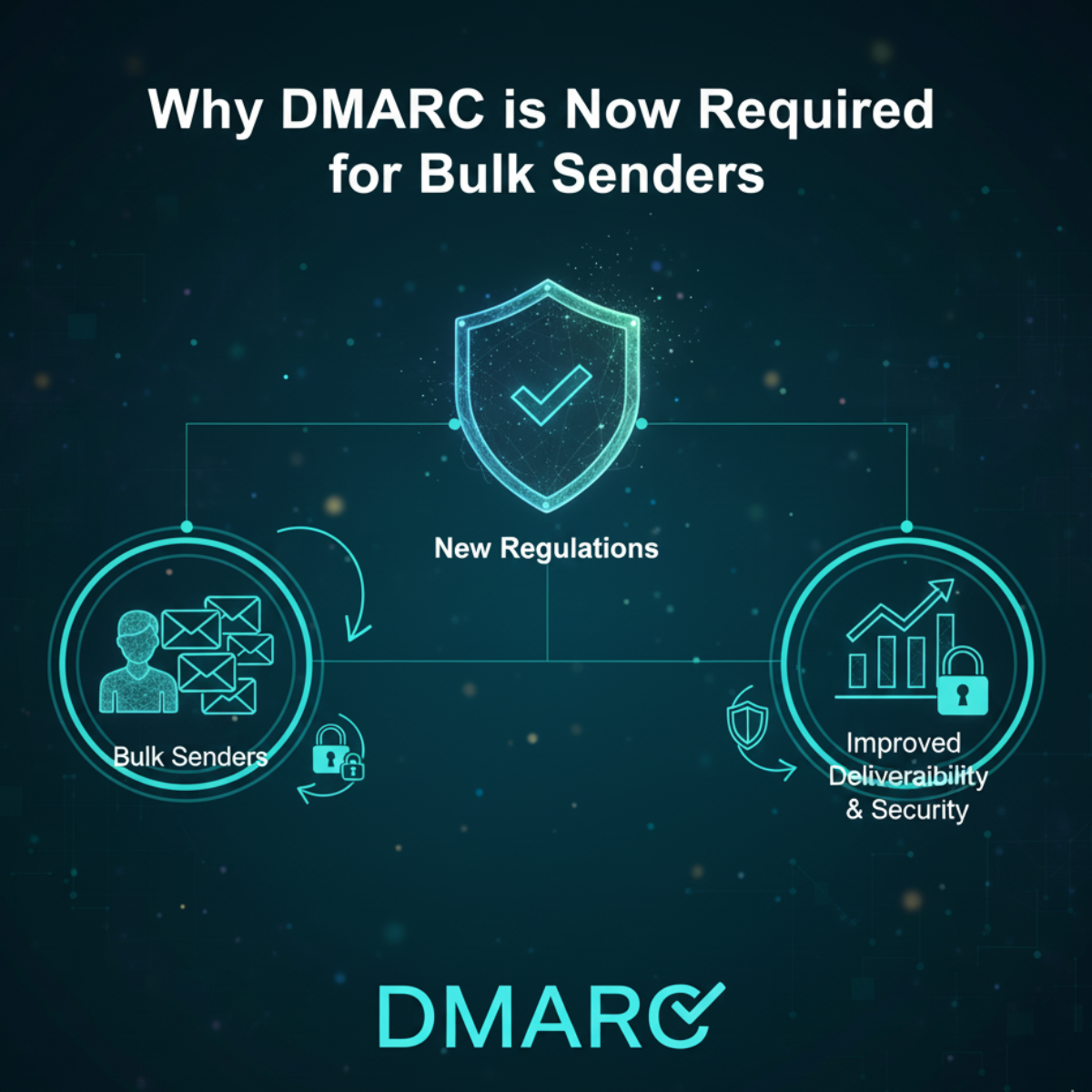
Since February 2024, Google and Yahoo have required bulk senders (those sending large volumes of email daily) to implement DMARC. Microsoft added similar requirements in May 2025, making DMARC effectively mandatory for serious email marketers in 2026.
These requirements aim to:
Ensure high-volume senders authenticate their domains, reducing spam, phishing, and spoofing at scale.
Improve the overall email ecosystem by stopping bad actors while helping legitimate emails reach inboxes.
Give ISPs confidence that senders follow proper authentication standards.
How DMARC Builds Sender Trust
By implementing a DMARC policy with p=quarantine or p=reject, you demonstrate that you take email security seriously.
To ISPs: Your domain is treated as trustworthy, so your emails are delivered to the inbox rather than spam.
To Subscribers: When your emails consistently reach the inbox, subscribers trust your brand more — leading to better open rates and fewer complaints.
"DMARC is not just an email marketing metric — it is a signal of trust that every inbox provider now looks for."
With DMARC in place, you prove to ISPs and email security gatekeepers that your sending is secure, authenticated, and reliable — increasing inbox placement, protecting your reputation, and improving campaign performance.
📖 Related: Cold Emails Still Work in 2026 — But Only If You Stop Doing These 7 Things | What to Look for in AI Email Marketing in 2026
How to Implement DMARC — A Marketer-Friendly Setup Guide
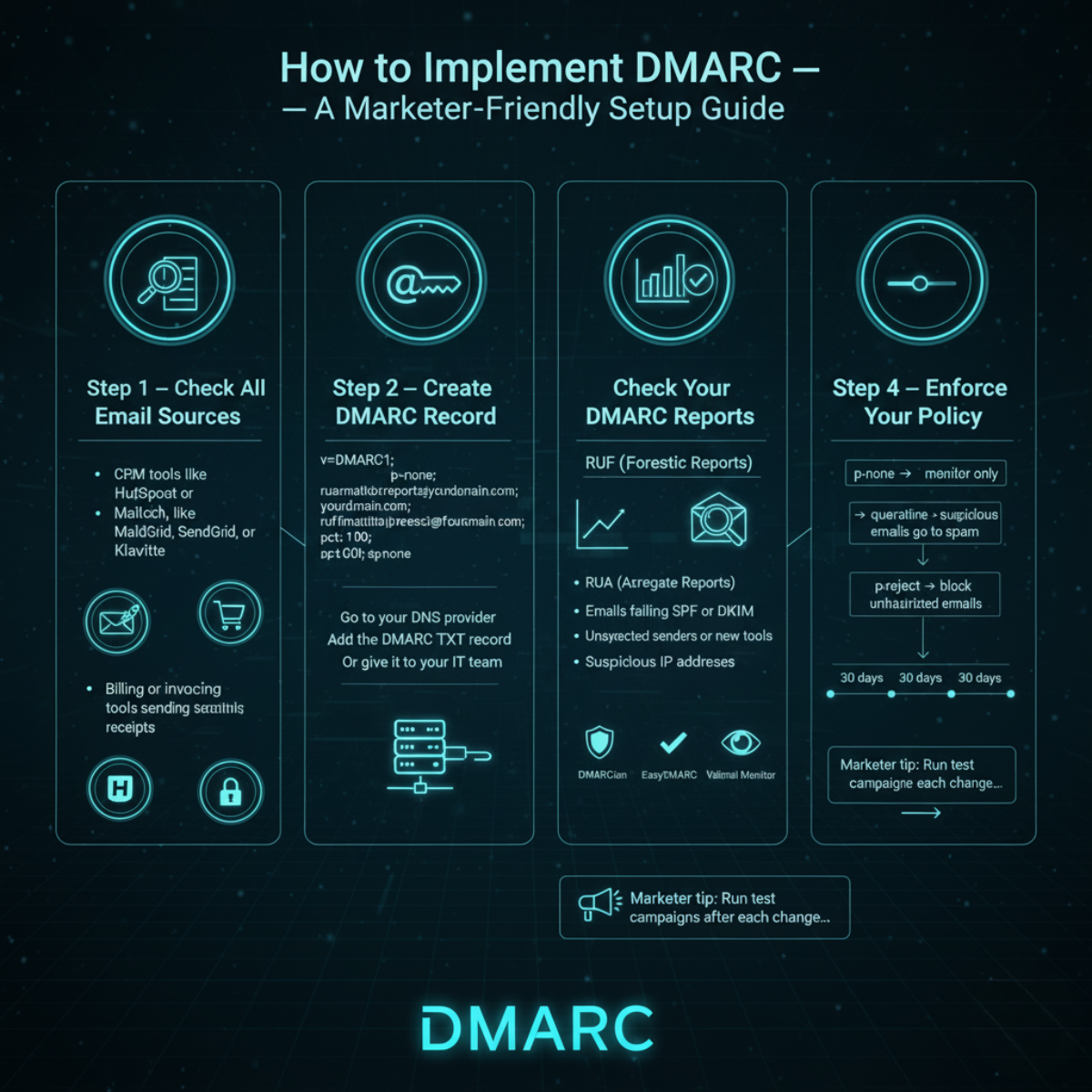
Step 1 — Check All Your Email Sources
Before setting up DMARC, make a list of every service that sends emails using your domain. This can include:
CRM tools like HubSpot or Salesforce
Email platforms like Mailchimp, SendGrid, or Klaviyo
Billing or invoicing tools sending receipts
Transactional emails like password resets, order confirmations, and notifications
Step 2 — Create Your DMARC Record
A DMARC record is a TXT entry added to your domain's DNS settings. It tells receiving mail servers how to handle messages that fail authentication. Example DMARC record for marketers:
v=DMARC1; p=none; rua=mailto:[email protected]; ruf=mailto:[email protected]; pct=100; sp=none
Where to add it:
Go to your DNS provider or domain registrar
Add a new TXT record with the DMARC value above
Or pass this to your IT team to configure
Step 3 — Review Your DMARC Reports
Reports are where the real insights live. There are two types:
RUA (Aggregate Reports): A summary of all emails sent from your domain — including pass/fail rates by source.
RUF (Forensic Reports): Detailed information about individual emails that failed authentication.
What to look for:
Emails failing SPF or DKIM checks
Unexpected or unauthorized senders using your domain
Suspicious IP addresses attempting to send email on your behalf
Recommended tools: DMARCian, EasyDMARC, Valimail Monitor (free and paid options available).
Step 4 — Gradually Enforce Your Policy
Once you've confirmed all legitimate senders are correctly authenticated, move toward enforcement:
p=none→ Monitor only — no impact on deliveryp=quarantine→ Suspicious emails go to spamp=reject→ Unauthorized emails blocked entirely
💡 Marketer Tip: Spend at least 30 days at each policy stage before moving to the next. Run test campaigns after each change to confirm emails are still reaching inboxes. Gradual enforcement keeps your brand protected without disrupting active campaigns.
Common Pitfalls in DMARC for Email Marketing
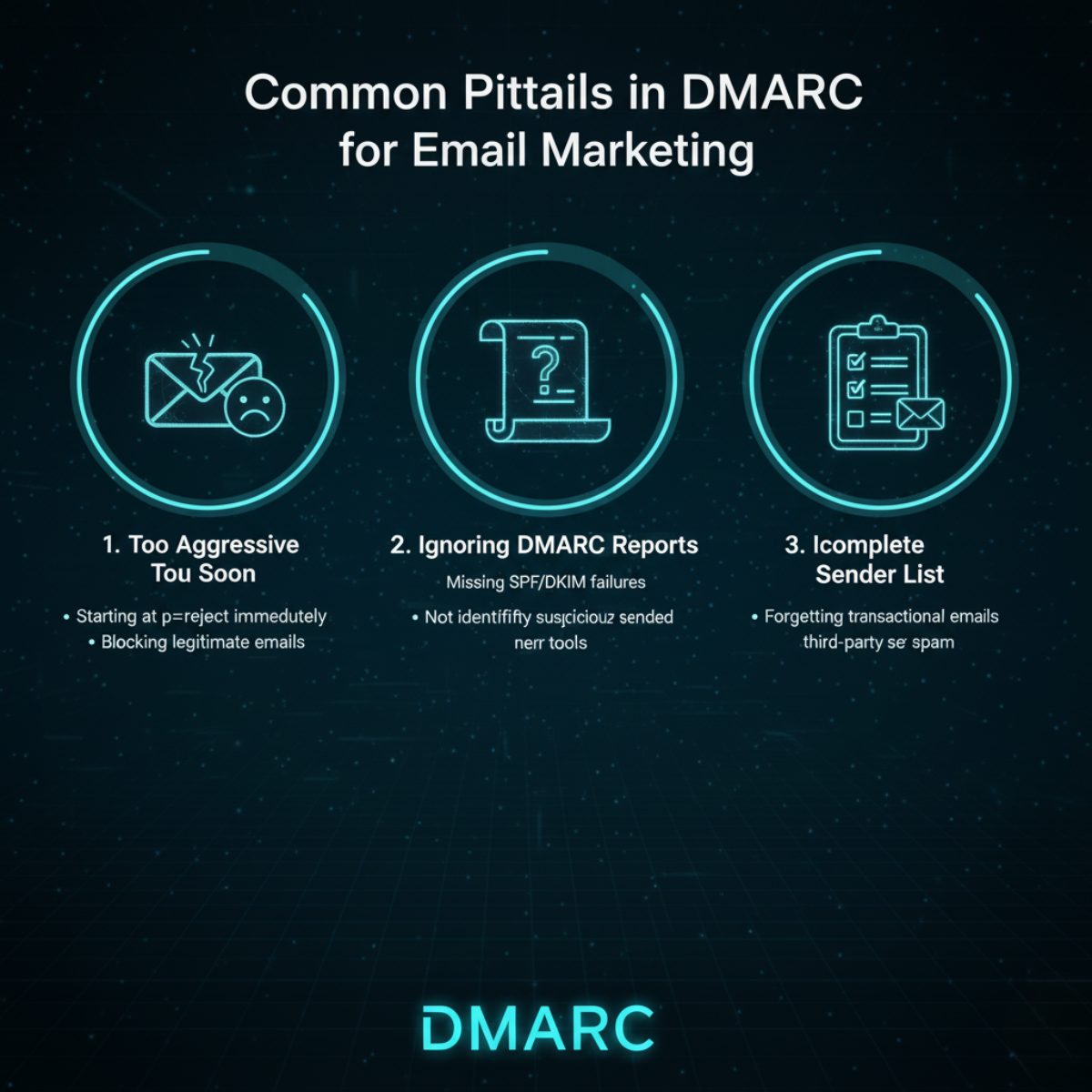
Misaligned SPF or DKIM Records
Even small DNS errors can break email authentication — sending legitimate emails straight to spam. Make sure your SPF record includes every IP address authorized to send email for your domain, and that your DKIM settings match your email platform's configuration exactly.
Ignoring Subdomain Policies
The sp tag controls DMARC coverage for your subdomains. Without it, subdomains remain vulnerable to spoofing. Protect all subdomains with the same rigor as your primary domain.
Failing to Monitor Reports
Not checking DMARC reports regularly can hide serious problems — including unauthorized senders or authentication failures you're not aware of. Use automated dashboards to track issues continuously rather than reviewing reports manually and infrequently.
Overlooking Third-Party Senders
Many marketing tools and email platforms send from their own IP addresses on your behalf. If these senders aren't properly authorized in your SPF record or configured with DKIM signing, their emails will fail DMARC — causing delivery failures even for legitimate campaigns.
📖 Related: Email Marketing Automation: What It Is and How to Implement | How to Combine SEO and Email Marketing to Get More Qualified Leads
Role of DMARC in Email Campaign Management
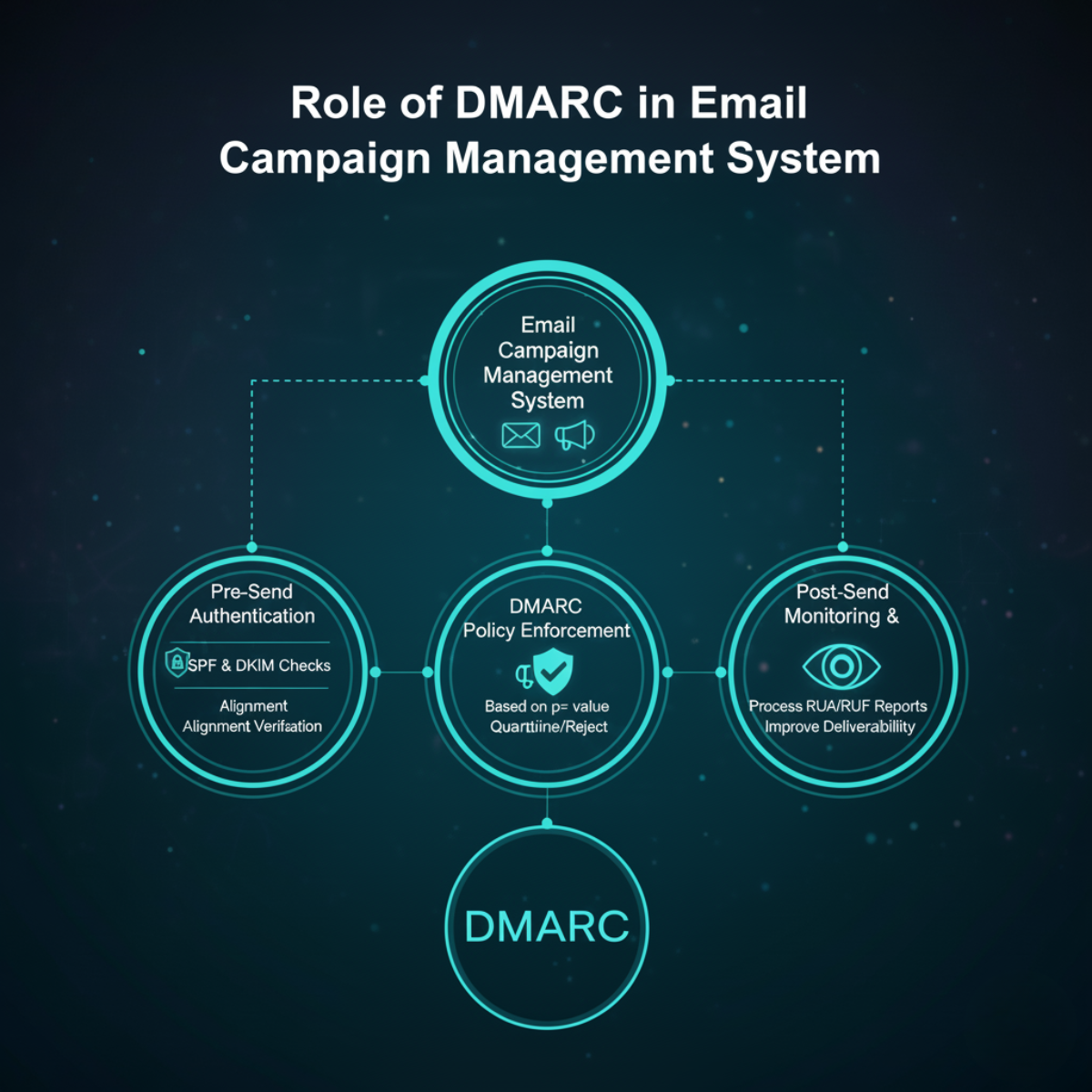
DMARC is not just a security tool. It can also help you optimize your email campaigns and improve performance metrics.
What DMARC data reveals:
Which email service providers (ESPs) consistently pass authentication
Misconfigured ports or recurring SPF/DKIM failures
Any unauthorized senders attempting to use your domain
How DMARC Improves Campaign Results:
More emails reach the inbox → higher open and click-through rates
Reduced fraud risk → stronger sender reputation with reliable ESPs
Fewer spam complaints → your content quality gets judged fairly
Marketing and IT Integration:
Marketing: Ensures all campaigns use properly configured ESPs and sending tools.
IT: Handles DNS configuration, DKIM key setup, SPF record management, and report monitoring.
Together, they enable DMARC to operate smoothly without disrupting live campaigns or marketing workflows. By using DMARC data proactively, your brand stays protected while your email campaigns perform at their best.
Advanced Add-ons: BIMI, ARC, and Brand Visibility
Once DMARC is fully enforced, you can unlock BIMI (Brand Indicators for Message Identification). BIMI lets your brand logo appear directly next to your emails in subscribers' inboxes — making your messages instantly recognizable and reinforcing trust before they're even opened.
A quick look at ARC (Authenticated Received Chain):
ARC preserves authentication results when emails are forwarded through intermediary servers.
Without ARC, forwarded messages can fail SPF or DKIM checks and appear suspicious — even when the original email was fully legitimate.
🏷️ Real-world result: With DMARC enforced and BIMI configured, your brand logo appears next to your email address in Gmail and Apple Mail. Subscribers instantly know it's you — before they even open the message. This directly improves open rates and reduces spam complaints.
Case Study — DMARC Business Dashboard
To monitor your DMARC setup effectively, track these key metrics:
DMARC pass rate — percentage of emails passing full authentication
Inbox placement rate — percentage of emails landing in the primary inbox vs. spam
Spam complaints — how many recipients are marking your emails as spam
Phishing attempts — unauthorized emails attempting to use your domain
Best practice: Set up a dedicated DMARC monitoring dashboard. This makes it easier for managers to review reports and track trends over time — catching issues early before they affect deliverability or brand reputation.
Use DMARC as part of your overall email campaign strategy, not just as a one-time technical setup. It gives you ongoing visibility into both security health and campaign performance. Combined with BIMI and ARC, DMARC becomes a complete email trust framework that protects your brand while boosting engagement.
📖 Related: Email Marketing Tips to Skyrocket Your Engagement and Sales | From Inbox to Impact: How to Build Long-Term Client Relationships Through Email
Conclusion
Implementing DMARC is more than just following rules — it's about building trust in every email you send. When your DMARC is set up and enforced correctly, more of your emails reach the inbox. Subscribers recognize your domain as safe, and the risk of phishing using your brand drops dramatically.
Start today by auditing your current DMARC setup or reviewing your existing policy. This one step ensures your emails are secure, authenticated, and performing at their full potential in 2026.
With Accord Tech Solutions, you don't have to navigate the technical complexity alone. We help you set up DMARC, review reports, and ensure your email campaigns perform at their best — all from one simple platform.
Contact us today and keep your emails safe, trusted, and consistently landing in the inbox.
Continue Reading
FAQ
p=none. This monitoring-only mode collects DMARC report data without blocking any messages. Once you've verified all legitimate senders are passing authentication, move to p=quarantine and eventually p=reject.
sp tag in your DMARC record to prevent spoofing.